Automating Lead Follow-Up Starts With Tracking
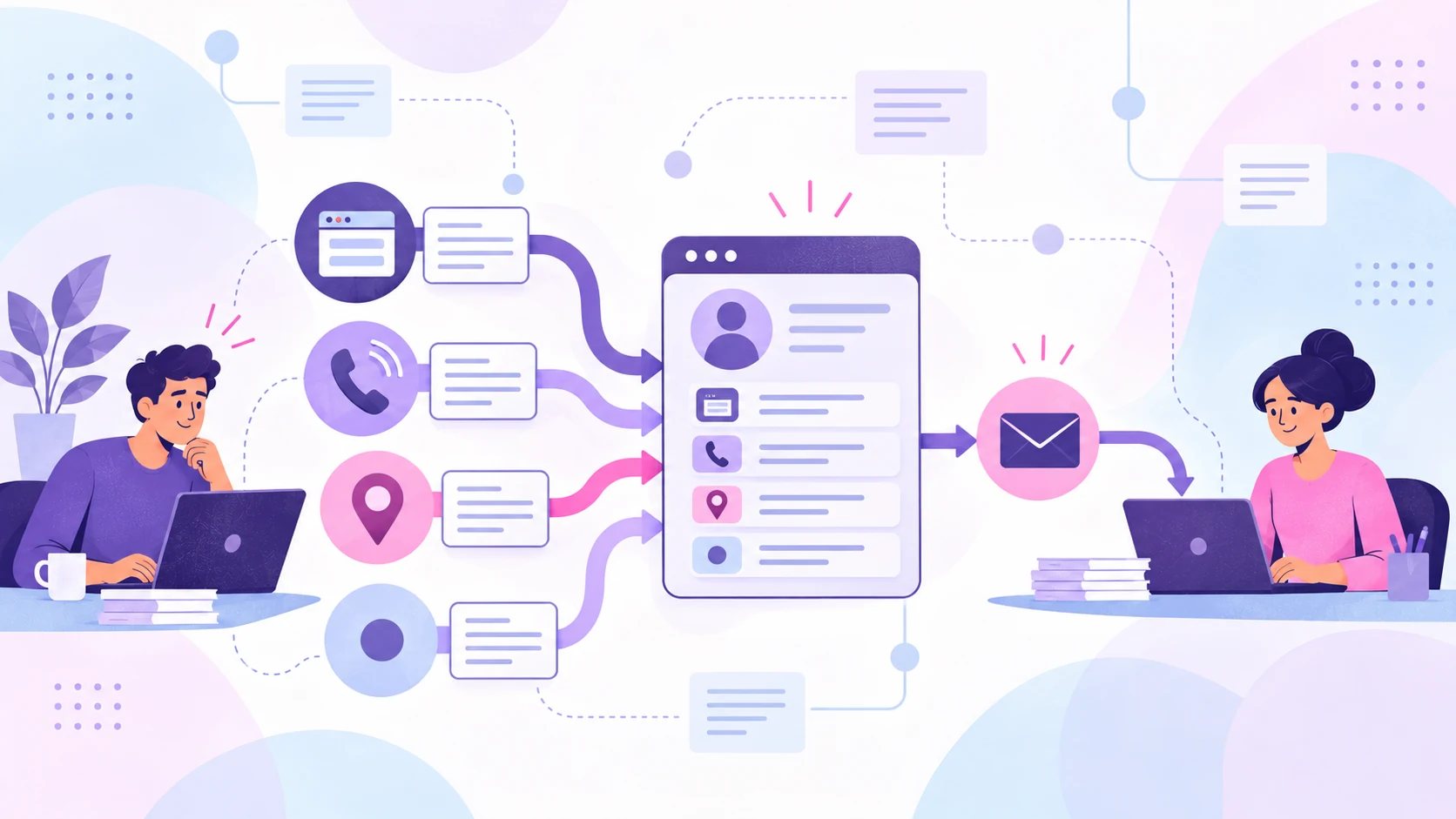
Before you automate lead follow-up, make sure every enquiry is tracked with its source. A practical guide for service businesses using GA4, GTM and a CRM.
Most service businesses that want to automate lead follow-up start with the automation itself: a Make scenario that sends a welcome email, a CRM sequence, an SMS to the sales team. Those are worth building. But an automation can only act on the enquiries it receives. Knowing where an enquiry came from can help you tailor the follow-up, but every enquiry needs a response, even when the source is unknown.
If a web form isn't firing, a phone call isn't recorded or a Google Business Profile enquiry never reaches the CRM, no follow-up runs at all. And if every lead arrives labelled "website", the same generic reply goes to someone who clicked a paid ad as to someone who found you on Google Maps. Getting tracking right first makes the automation that follows it far more useful.
Where enquiries get lost
Before setting anything up, list every way a customer can contact the business. For most service businesses that includes:
- Website forms, often more than one, such as a contact page, a quote form and a booking widget.
- Phone calls from the website, from Google Ads call extensions and from the Google Business Profile.
- Calls from the Google Business Profile, including the call button on Google Maps, plus SMS or WhatsApp messages where the profile offers them.
- Email links clicked from the website.
- Third-party forms embedded from booking or quoting tools, which often sit outside the site's own tracking.
Then check which of those are actually recorded today. It is common to find that only the main contact form is tracked, while calls, which can make up a large share of enquiries for trades and local services, aren't recorded anywhere. Each untracked route is a gap where no automation can help.
Set up conversion tracking so every enquiry is recorded with its source
Google Analytics 4 and Google Tag Manager are the usual starting point. The aim is simple: each time someone makes an enquiry, an event is recorded, and that event carries information about where the visitor came from.
A practical conversion tracking setup looks like this:
- Create one event per contact action in Google Tag Manager, for example form_submission, phone_click and email_click, with consistent naming so they are easy to report on later.
- Fire the form event on a confirmed submission, such as a thank you page or a success message, rather than on the button click, which also fires when the form fails validation.
- Mark those events as key events in GA4 so they appear in conversion reports.
- Import confirmed enquiries into Google Ads as primary conversions, such as completed form submissions and phone calls that connect and last a minimum length. A click on a phone number or email address only shows someone intended to get in touch; it does not mean an enquiry was made. Keep those clicks as secondary conversions for reporting, so campaigns optimise towards real enquiries.
- Use call tracking numbers for phone calls where the volume justifies it, so calls can be attributed to a source like any other enquiry.
Test every event before relying on it. Submit each form, click each phone number and check the events arrive in GA4's DebugView. Tracking that has never been tested tends to be broken in some small way.
Pass the source through to the CRM
Analytics tells you how many enquiries each channel produced. The CRM is where the follow-up happens, so the source needs to travel with the lead itself.
The simplest method is to capture the source on the website and send it with the form. When a visitor arrives, a small script stores the UTM parameters from the URL (utm_source, utm_medium, utm_campaign), the Google Ads click identifier where one exists, and the landing page. Hidden fields in the form are filled from those stored values, so they are submitted along with the visitor's name and message.
From there, Make or the CRM's own integration maps those fields onto the contact or deal record. A lead then arrives tagged as, for example, Google Ads, organic search or Google Maps, rather than just "website". Where analytics consent is required, only capture these details when the visitor has agreed, and make sure the form works fully either way.
Not every enquiry will have a source. Parameters get stripped, visitors decline analytics, and people find the business through word of mouth or a saved bookmark. That is fine. The enquiry should still be captured and followed up, with the source recorded as unknown. Source tracking adds useful context to a lead; it should never be a condition for the lead being saved or the follow-up running.
Leads that don't come through a form need their own route. Call tracking platforms can usually push call details into a CRM, and SMS or WhatsApp enquiries that come through the Google Business Profile, where available, can be logged manually or through a connected tool. The goal is that every enquiry ends up in one place with a source attached.
Trigger the right follow-up based on where the lead came from
Once the source is in the CRM, follow-up can be tailored instead of one size fits all. A few examples:
- Google Ads leads: these visitors often searched with urgent intent, such as an emergency plumber. Speed matters most, so an instant SMS confirmation and a notification to the sales team for a call back within minutes are worth automating.
- Organic search leads: these visitors have often read a guide or a service page first. A follow-up email that links to related information and invites them to book a time suits where they are in their decision.
- Google Maps leads: these are usually local and ready to act. A short reply confirming the service area, opening hours and next available booking works well.
- Unknown source: these leads get a sensible default follow-up, such as a prompt confirmation and a call back from the team, so nobody waits because a field was empty.
- Repeat customers: if the email already exists in the CRM, attach the new enquiry to the existing contact and let the team know it is a returning customer, rather than starting a new-lead sequence.
The source also improves reporting. When the CRM records which deals were won, you can see which channels bring paying clients, not just enquiries, and adjust marketing spend accordingly.
Check the setup end to end before switching it on
Automation magnifies whatever it is given, including mistakes. Before turning follow-ups on, run a test enquiry through every route:
- Submit each form from a link with test UTM parameters and confirm the source arrives in the CRM correctly.
- Make a test call and confirm it is recorded with its source.
- Submit an enquiry with analytics consent declined, and another with no UTM parameters, and confirm both leads arrive and their follow-up still runs, with the source shown as unknown.
- Confirm the right follow-up fires for each source, and that the team notification reaches the right person.
- Resubmit the same enquiry, for example by double-clicking or refreshing the confirmation page, and confirm it does not create a duplicate. Then send a new enquiry using the email of an existing contact and confirm it is still recorded and attached to that contact.
- Decide who checks for failed automations each week, and where those failures are reported.
Repeat these checks after any website change. A redesigned form or a new booking widget is the most common reason tracking quietly stops working.
Tracking first, then automation
Automated follow-up is one of the most useful things a service business can set up, and it works best when every enquiry is captured and as many as possible carry their source. Put the tracking in place first, check it end to end, and the automation built on top of it will be faster, more relevant and easier to measure. Source data makes follow-up smarter, but the first priority is that no enquiry goes unanswered.
About the author
Rasesh Koirala is co-founder of 8 Peaks Digital, a Sydney digital marketing agency. He has worked in SEO, analytics and web development since 2014, and his team helps Australian service businesses with analytics and conversion tracking.
GOT ONE LIKE THIS?
Got one doing this sort of thing?
Tell me what keeps happening. I’ll tell you where I’d start.