Skip to content
Case study · Finishing client onboarding automatically

The client answered 27 questions. The finished document still needed building.

The answers already existed. Somebody still had to put them into the right document, add the client details and logo, format everything and send it where it needed to go.I connected those last steps so the finished pack builds and sends itself.
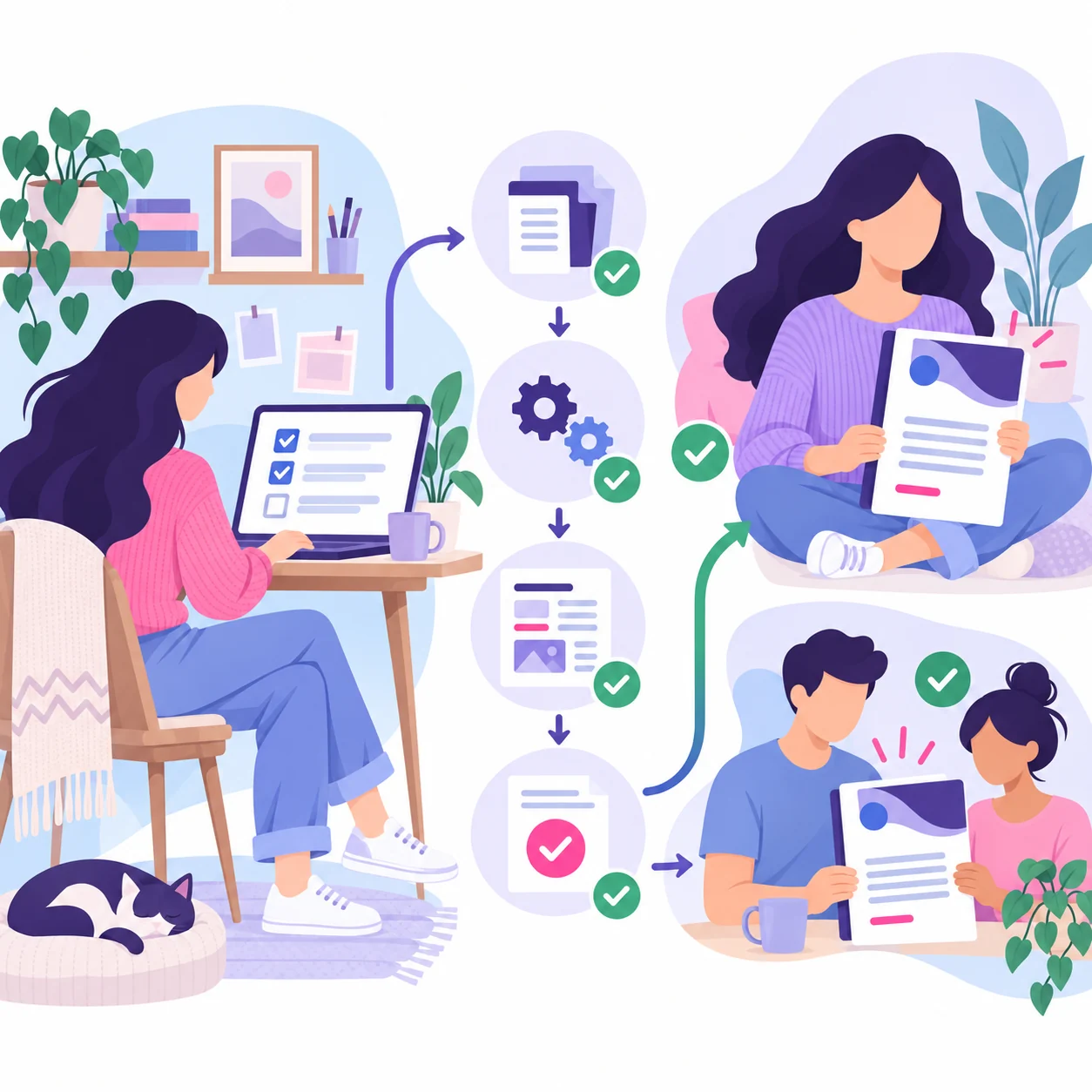
Before the change

The questions were finished. The admin wasn’t.

The answers existed, but not in the document the team needed.

Names, dates, branding and 27 responses still needed placing by hand.

The handover waited for someone to finish and send it.

The same formatting and filing steps were repeated for every client.

From conversation to finished document

The conversation already collected the content. This path handled everything that used to happen after the client finished.

What had to stay consistent

All 27 answers needed a home.
Client details, the logo, completion date and every response were mapped into the branded template.
27 mapped answersOne master template

The document build path

Five passes. One finished pack.

No copy and paste
Pass 01

The client answers 27 questions

The onboarding conversation collects the information needed from the client.
Pass 02

The answers move on

The completed answers and client details are sent to the document process.
Pass 03

Everything goes in the right place

Each answer, client detail, date and logo is added to the correct part of the template.
Pass 04

The branded document is built

A new Google Doc is created from the master template.
Pass 05

The client and team receive it

Both receive a branded summary and a link to the completed document.

Sent to the client and team

The branded summary and finished Google Doc arrived together.

The handover mattered too

The workflow could run. The handover still had to work for people.

The original plan would have created a few awkward moments for the people using it. I flagged those before building and suggested a simpler route.

Handled automatically after submit

  • Place all 27 answers in the template
  • Add the client details, date and logo
  • Build and name the Google Doc
  • Send the finished pack to the client and team

Kept deliberate

  • Who receives each part of the handover
  • How the finished pack is presented
  • Anything awkward for the people using it
  • Changes that need agreement before the build

What changed

01
The finished document builds itself. Once the client finishes the questions, the Google Doc is created and named automatically.
02
All 27 answers land where they belong. Client name, business details, email, website, logo, completion date and questionnaire responses are mapped into the branded template.
03
Everyone gets it straight away. The team and client receive a branded summary and the completed document without waiting for someone to prepare it.
04
The same process happens every time. The onboarding information moves through the same defined pathway regardless of who is handling the client.

The useful part happened after the questions.

The client answers once. The finished document is built, named and sent without someone copying everything across.

The useful bit was removing all the work that used to happen after “submit”.

The goal was the right solution, not the first one. The finished handover still had to be easy for real people.

01

Put the Data in Order

Clean up the information and make it usable before building anything on top of it.

02

Make Your Systems Work

Work out why the software is getting in the way and make it support the real job.

03

Build What’s Missing

Create the missing connection or tool when the standard options can't do the job.

04

Make the Change Stick

Check the result, deal with problems and leave people with a setup they can use.

Another project

When $10,000 in Spending Lost Its Paper Trail

A controlled-card workflow mapped to connect contractor spending with Xero, SharePoint and the right job.

View project

Got a form that collects information and then just… leaves it there?

Show me what it collects and the finished output you need. I’ll connect the steps in between.

Lunaris Workflow Solutions

Follow me

© 2026 Lunaris Workflow Solutions·Perth, Australia·ABN: 92 651 795 682·Privacy·Terms·Cookies
Made with 💜 by Me!