Skip to content
Case study · Turning emailed referrals into Halaxy records

A referral arrived by email.Then someone had to enter it all again.

Every PDF meant copying patient details into Halaxy, checking the GP, attaching the document and filing the email.I made the routine referrals handle themselves and sent anything unclear to the team.

The expensive bit wasn’t opening the PDF.

It was everything that happened afterwards.

Routine and tricky referrals arrived in the same inbox.

The same patient details had to be read, checked and entered again.

GP details and the original document were handled as separate jobs.

There was no clear path for referrals with missing or unclear information.

From inbox to Halaxy

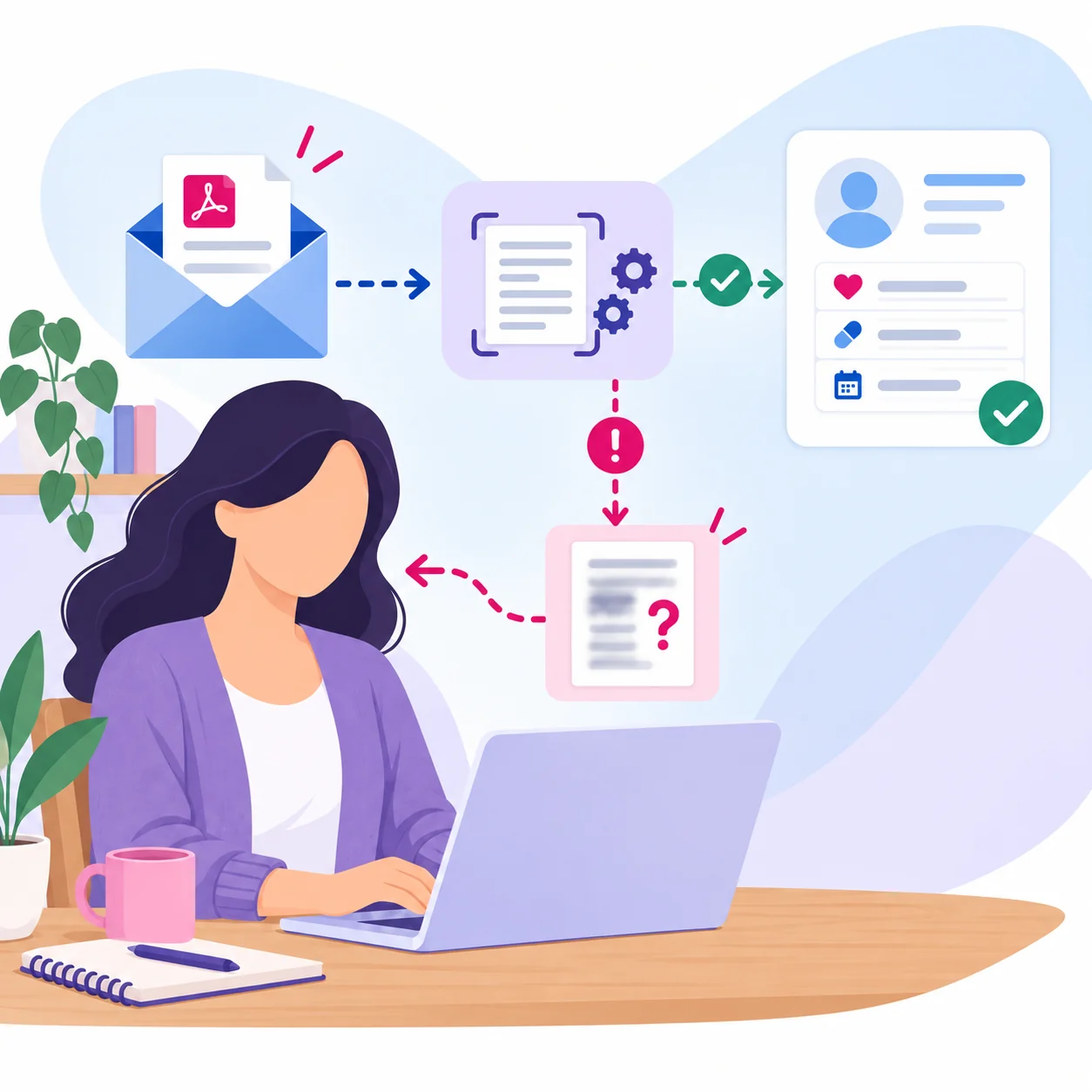
Each referral moved through the same defined path, from the working inbox to a finished Halaxy record.

The matching rule

The workflow never guessed the patient.
Halaxy was checked first. Missing details or unclear matches went back to the team.
Existing record firstHuman review kept

The referral handling path

Five passes. One finished record.

Routine referrals only
Pass 01

The referral email arrives

The inbox is checked three times a day for new referral PDFs.
Pass 02

The referral is read

The patient and GP details are pulled from the document.
Pass 03

The patient record is handled

Halaxy is checked first. The existing patient is updated, or a new record is prepared when appropriate.
Pass 04

The GP is linked

The referring GP is found or added and connected to the patient.
Pass 05

The email is moved out of the way

Finished referrals leave the working inbox automatically.

Filed and ready in Halaxy

The original PDF stayed with the patient record.

And if something doesn’t add up?

It stops and asks for help.

If there is not enough information to safely find or create the right patient, the referral goes to the team. Nothing is guessed and no new record is created just to keep the automation moving.

Handled automatically

  • Read the referral
  • Find or prepare the patient record
  • Attach the original PDF
  • Find and link the GP
  • File the finished email

Needs a person

  • Missing information
  • Unclear patient matches
  • Missing name or date of birth
  • More than one possible patient
  • Anything the workflow cannot handle safely

What changed

01
Nobody retypes the referral. Patient, Medicare and GP details move from the PDF into the process without someone copying each field by hand.
02
The patient record is handled in the same run. The existing patient is found or a new record is prepared, then the original referral is attached.
03
The GP is linked automatically. The referring GP is found or added and connected to the patient without another separate task.
04
Unclear referrals stop for review. Missing or confusing information goes to a person instead of being silently skipped or forced through.

Reading the PDF was only the first step.

The useful part was deciding what should happen with the information next.

What counts as the same patient? What happens if there are two possible matches? What if the GP is missing or an important field is blank?

I built those decisions into the process, including the point where the job needs to go back to a person.

01

Put the Data in Order

Clean up the information and make it usable before building anything on top of it.

02

Make Your Systems Work

Work out why the software is getting in the way and make it support the real job.

03

Build What’s Missing

Create the missing connection or tool when the standard options can't do the job.

04

Make the Change Stick

Check the result, deal with problems and leave people with a setup they can use.

Another project

Turned 27 Answers Into a Finished Client Pack

The document builds and sends itself as soon as the client finishes.

View project

Still paying someone to read the PDF and type it somewhere else?

Send me one real referral path from inbox to finished record. I’ll map the manual steps and the exceptions.

Lunaris Workflow Solutions

Follow me

© 2026 Lunaris Workflow Solutions·Perth, Australia·ABN: 92 651 795 682·Privacy·Terms·Cookies
Made with 💜 by Me!