The same information is being entered twice. What are my options?
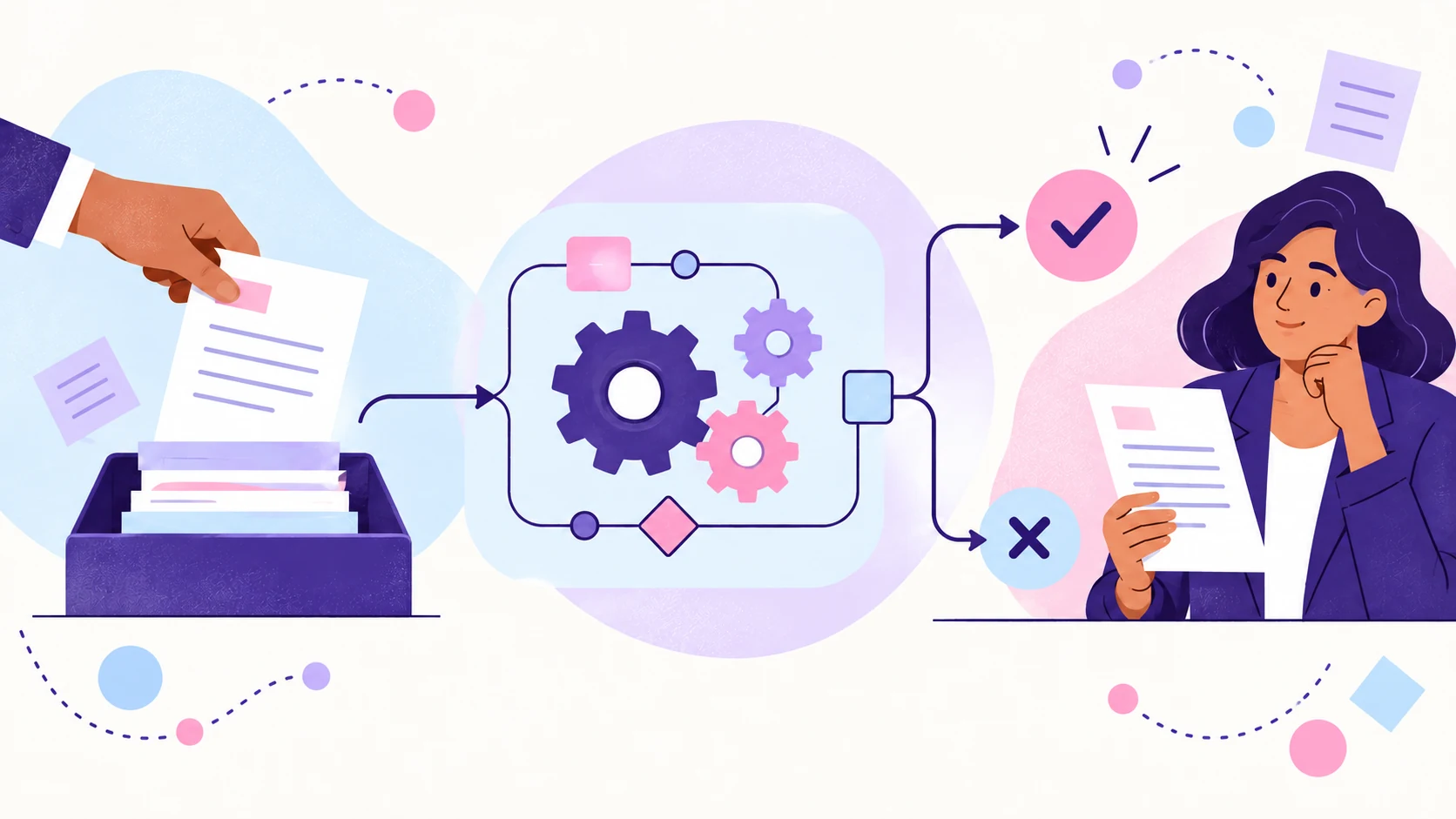
Duplicate data entry can often be removed with a built-in integration, an automation connector, a shared source of truth or a small custom connection. Choose after checking the real workflow.
If the same information is being entered into two systems, you may be able to connect them, but the right fix depends on why both copies exist. Start by deciding which system should own the information, which other systems genuinely need it and what should happen when the data changes. Connecting everything in both directions without answering those questions can create a faster mess.
Why does duplicate data entry happen?
Duplicate entry often begins innocently. A new tool is added for one team, but the existing system is still needed elsewhere. Someone creates a spreadsheet because the main software cannot show the view they need. A form collects information, but there is no handoff into the system where the work continues. The copying becomes part of the job.
The cost is not only the time spent typing. Two copies can drift apart. Staff may not know which version is current. A correction in one place may never reach the other. Reporting becomes less reliable because the same field means slightly different things in each system.
What are the options for connecting two systems?
The simplest option is a built-in integration. If both products support the exact trigger, fields and direction you need, the native connection may be enough. Check what it actually transfers, when it runs, how it handles updates and whether errors are visible. An integration called “sync” may only create new records and ignore later changes.
An automation connector can handle a more specific handoff. It can take an approved form submission, transform the information, create or update a record and notify someone if required data is missing. This is useful when the process follows clear rules but the built-in integration is too limited.
Sometimes the better fix is a shared source of truth. Instead of synchronising two editable copies forever, choose one system to own the record and let the other system read, reference or receive only the fields it needs. This reduces arguments about which version is correct and makes update rules easier to understand.
A custom integration may be justified when the systems have usable APIs but the mapping, volume or business rules are too specific for an off-the-shelf connector. Custom does not have to mean a giant software project. It can be a small, contained service that performs one reliable job. It does, however, need documentation, monitoring and someone responsible for changes.
Do you need to replace the software?
Replacing software is another option, but it should not be the reflex. A new platform may remove duplication if it genuinely covers the whole workflow. It may also create a migration, retraining and configuration project while leaving the original handoff problem untouched. Compare the cost of connecting what you have with the cost and disruption of replacing it.
What should you avoid?
Avoid a blind two-way sync unless there is a clear reason for both systems to edit the same data. You need rules for conflicts, deletions, partial records and updates that arrive out of order. Two-way synchronisation sounds tidy in a sales demo and becomes considerably less charming when both systems insist they are right.
How do you choose the right connection?
Map one real record from beginning to end before choosing the technical option. Identify where the information first becomes trustworthy, who is allowed to change it, which fields each system needs, how quickly updates must move and what a person should see when the connection fails.
The best solution is the smallest reliable connection that removes the duplicate work without hiding ownership. Sometimes that is a native integration. Sometimes it is a short automation. Sometimes it is a process change. The goal is not to make every system hold everything. It is to make the right information available where the work happens.
Related services and examples
Connect two tools as one contained fix
A defined handoff can often be repaired without replacing the whole setup.
Move sales information into the accounting record
See how a WooCommerce order can become the right Xero records without rebuilding it by hand.
Move referral information into the client system
A practical example of reducing duplicate entry while keeping review in the process.
GOT ONE LIKE THIS?
Got a workflow doing something similar?
Show me what’s happening and I’ll tell you where I’d start.